
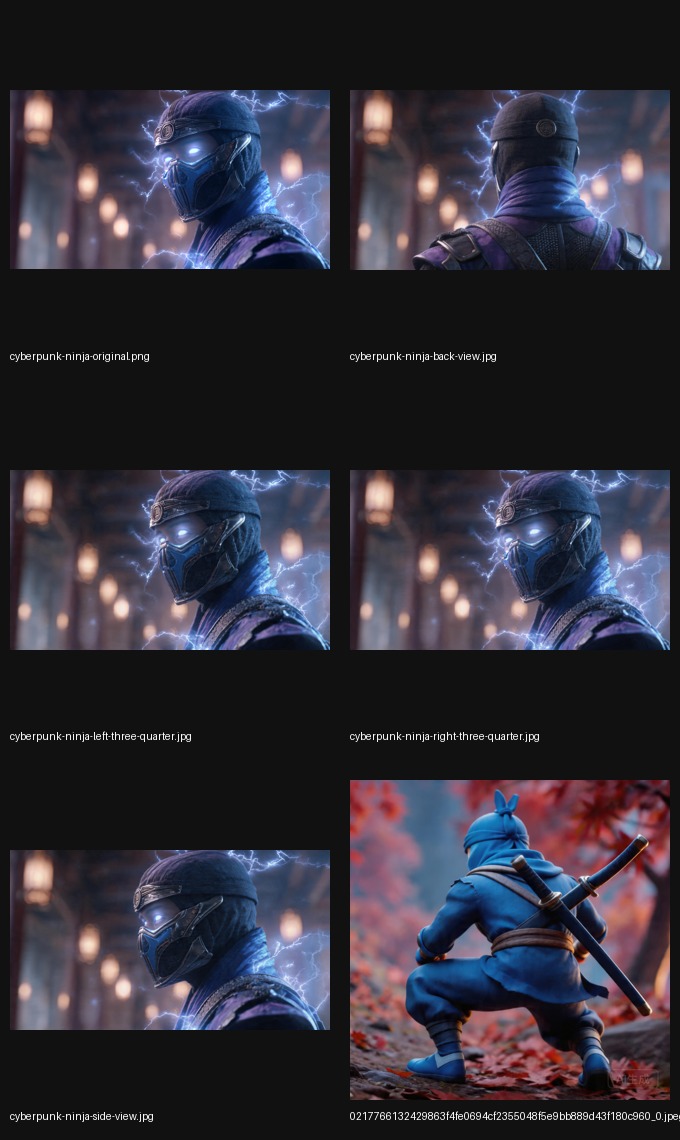

Upload one product photo and generate angles for PDPs, listings, and ads.
PNG, JPG, WEBP up to 8 MB

Your generated image will appear here

Good for entry cards, collection pages, and marketplace thumbnails.

Reveal silhouette, edges, and reverse coverage without another shoot.

Create directional variants for campaign cuts and creative experiments.
Use the image your team already trusts.
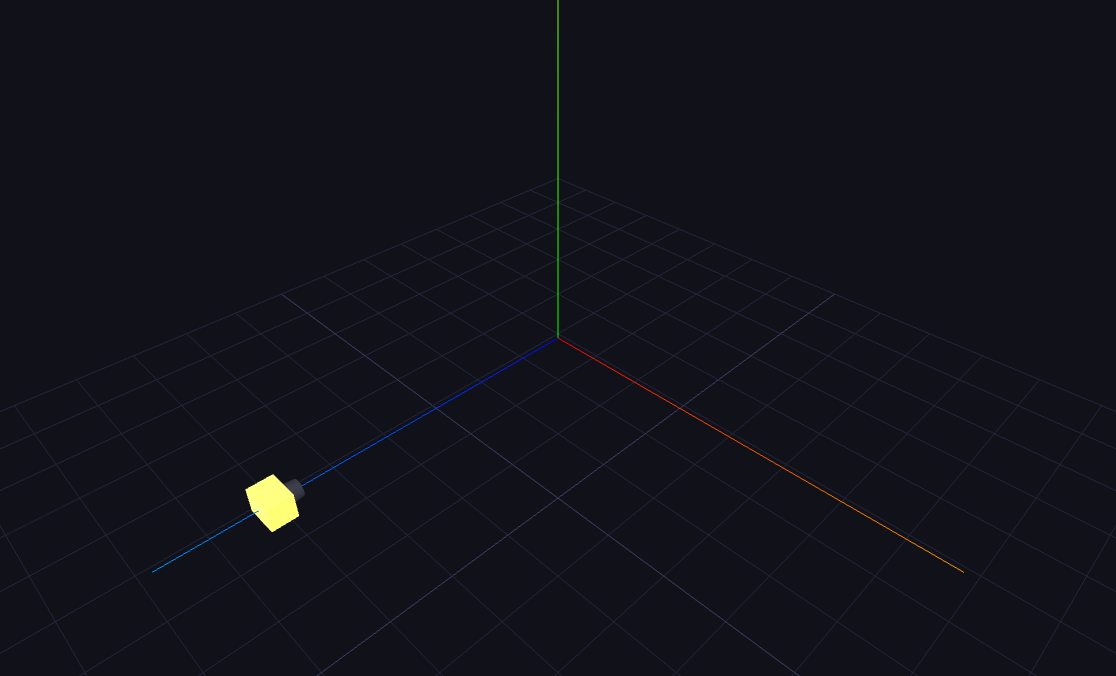
Use X, Y, and Z instead of prompt guessing.
Move the result into product pages, ads, and listing coverage.
Core guide
For teams that need more PDP, ad, and listing-ready angles from one approved product photo.
Explore XYZ angle controlsComparison
For teams comparing a true 3D model pipeline with a faster angle-generation workflow.
Compare image-to-3D workflowsLong-tail
For searches focused on generating more product image angles from a single source photo.
Generate more product viewsMarketplace
For marketplace thumbnails, catalog cards, and listing coverage that needs extra views fast.
Create listing-ready viewsIt generates new product views from one uploaded image so you can present the item from more than one angle.
No. The workflow is based on an uploaded image plus angle controls, not a traditional 3D asset pipeline.
Yes. The generated images are intended for commercial use cases such as product detail pages, campaign creative, and listings.
The product is opinionated around angle generation. The UI, prompt logic, and result framing are optimized for directional control.
Get to usable coverage first. Decide on heavier asset work only if the page still needs it.
Try the tool