
Decision board
Angle workflow vs deeper 3D need

Img to 3D Converter
Some teams need a true 3D asset. Others only need more product views. This page explains when you need real 3D conversion and when a faster angle-generation workflow is enough for ecommerce, ads, and listings.
Decision board
Angle workflow vs deeper 3D need
Many teams only need more sellable views for commerce surfaces, not a heavier asset pipeline.
Mesh delivery, scene reuse, and deeper rendering needs are the real trigger for a 3D path.
Match the production stack to the deliverable instead of assuming every request needs 3D.
What changes
For many ecommerce teams, the real question is not whether 3D is possible, but which workflow ships usable visuals faster.
Best when you need an actual 3D asset, modeling flexibility, or a deeper rendering pipeline.
Better when you need practical PDP, listing, or ad-ready views from one product photo with minimal setup.
Intent check
You may need mesh, CAD, or other 3D-compatible assets for deeper design or rendering workflows.
You may only need front, side, or back variations for catalog, campaign, or listing coverage.
You may need something shippable this week instead of entering a heavier 3D production cycle.
Which path fits
If the deliverable is a 3D model, use a 3D workflow. If the deliverable is more product imagery, angle generation is usually the faster path.
You need model files, camera freedom, scene reuse, or a downstream 3D rendering pipeline.
You need more product angles for PDPs, ads, sales collateral, or marketplace listings from one approved image.
Visual proof
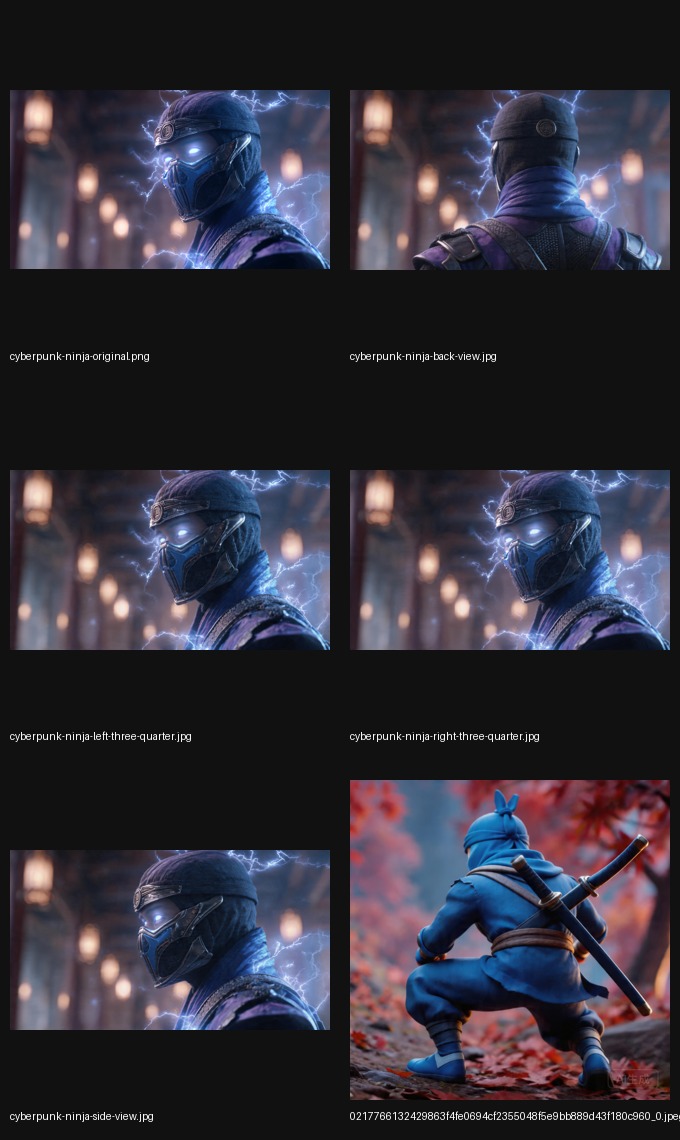
Most ecommerce teams do not need a mesh viewer. They need more usable product views that can ship into listings, ads, and product pages.
What you get
This is often enough when the actual business need is richer product coverage instead of a reusable 3D asset.
Input
That is enough when the goal is more views, not more geometry.

Output
Fill coverage gaps without entering a heavier 3D production cycle.

Coverage
Use the faster path when the gap is visual coverage rather than 3D modeling depth.
Category clarity
If you searched “img to 3D” but only need more product imagery, the correct next step is the product-angle workflow.
Your deliverable is a model file, camera freedom, or a downstream 3D rendering pipeline.
Your deliverable is more PDP, ad, sales, or listing imagery from the product photo you already have.
No. It focuses on practical angle generation, which is often what ecommerce teams need before a full 3D workflow.
Use a real 3D converter when your deliverable is a true 3D asset rather than more product views.
Move to the homepage tool or the product angle generator page if your actual goal is more commerce-ready angles.
Related guides
If the answer is no to true 3D, the next move should be obvious: pick the product-angle page, the main tool, the image-angle variant, or the listing page.
Commercial fit
Go there when the real goal is more listing-ready or ad-ready product views from one photo.
Open product angle guideStart now
Use the homepage when you already know you want to generate more product angles.
Open homepage toolImage-angle language
Use the product image angle guide when the search is explicitly about generating more image angles from one photo.
Open image angle guideMarketplace
Use the listing image guide when the goal is better thumbnails, cards, and listing coverage.
Open listing guideNext step
Use the main site when you want to move from comparison into execution.
Open imgcraft AI