
Angle expansion board
Approved photo to angle family
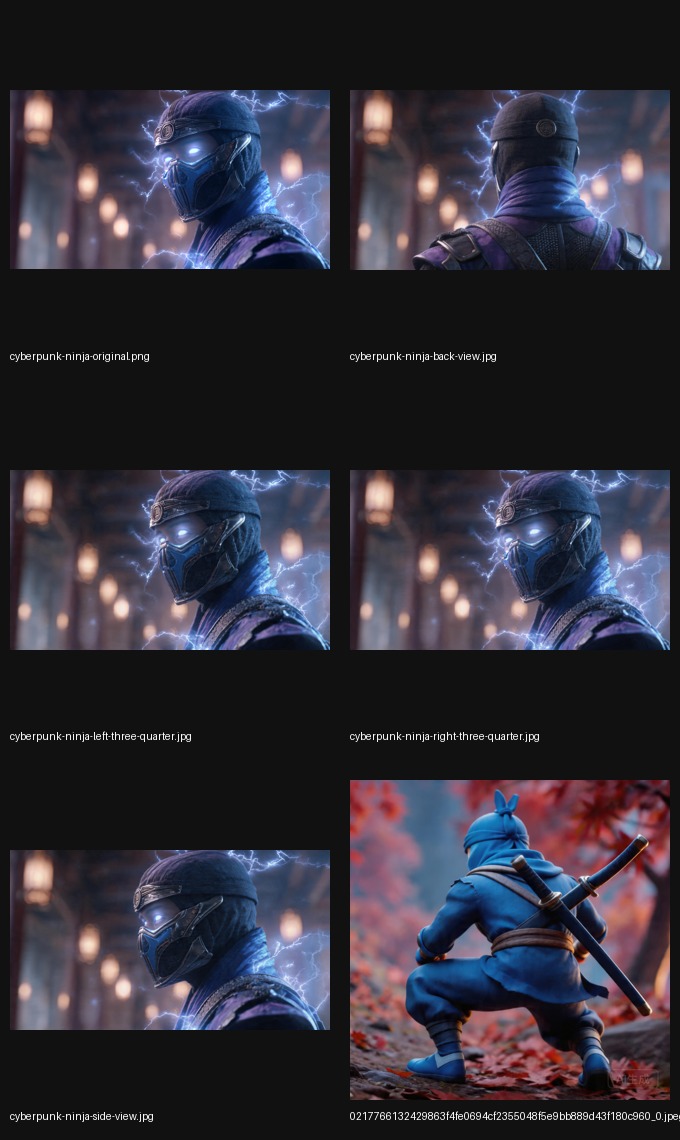

Product Image Angle Generator
Expand one approved product photo into side, back, and three-quarter views for PDPs, ads, and marketplace listings. This page fits teams searching for more product image angles rather than a full 3D asset workflow.
Angle expansion board
Approved photo to angle family
Add side, back, and three-quarter views from one approved source instead of restarting production.
Turn one product image into more thumbnails, cards, and paid variants without breaking consistency.
You do not need a full model workflow just to widen the catalog set or the ad surface mix.
Visual proof
Show the source image, the expanded angle set, and the specific view that gets reused in catalog and campaign surfaces.
Angle set
That is often enough when the real need is better product coverage across PDPs, ads, and listings.
Source
Approved source imagery is enough when you only need more angles.

Side angle
Use side views when the missing information is shape rather than texture editing.

Back angle
Improve buying confidence without entering a heavier 3D production cycle.
Search fit
If the deliverable is more commercial imagery, angle generation is often the faster path.
You need more product views for catalog, PDP, campaign, sales, or marketplace surfaces.
If you need a true 3D model file or mesh export, compare with the image-to-3D guide first.
It expands one approved product photo into additional side, back, and three-quarter views for commercial use.
It is better when the business need is more product imagery rather than a reusable 3D model.
Yes. The workflow is built for PDP coverage, paid creative, catalog expansion, and marketplace listings.
Related guides
Move broader when you want the ecommerce framing, or narrower when listing thumbnails and entry-card coverage are the real job to solve.
Broader page
Use the broader page when you want the full ecommerce product-angle framing instead of the narrower image-angle language.
Open product angle guideMarketplace
Use the listing image page when marketplace thumbnails and entry-card coverage are the real priority.
Open listing guideComparison
Use the image-to-3D page if you still need to separate model-file work from faster image-angle generation.
Compare with 3DStart now
Use the homepage when you already know you want to generate more views from the photo you have.
Open homepage toolStart
Move from explanation into execution and start the workflow on the homepage tool.
Open imgcraft AI